Find Your Router for Lowest Price in Sri Lanka  |  WhatsApp: 078 68000 86  |  Islandwide Delivery SmartZone App Download APK
SMART ZONE LK
SMART ZONE LK
Official Store β€’ Sri Lanka

πŸ’‘ How to Order?

Order quickly in 3 simple steps β€” anyone can order easily!

1
Choose your Product
Browse our routers or accessories. Click on any item you wish to buy.
2
Click "⚑ Buy Now" & Enter Details
Click ⚑ Buy Now to open the instant order form. Simply enter your Name, Phone Number, and Address in 30 seconds!
3
Choose Any Payment Method
Pay conveniently with any method. Islandwide delivery within 1-2 days right to your doorstep!
πŸ’΅ Cash on Delivery (COD) πŸ›οΈ Bank Transfer / Slip Upload πŸ’³ Visa / Master / Payzy Online πŸͺ™ Reward Points
100% Online & Remote Router Unlocking

Unlock Any 4G / 5G Router Permanently

Unlock Dialog S50, SLT S10, Huawei, ZTE & Tozed routers from the comfort of your home. Professional remote firmware unlocking completed in 5–10 minutes via AnyDesk. Supports Dialog, Mobitel, Airtel, Hutch & SLT SIM cards with zero delivery charges.
πŸ”“
Permanent Unlock
Lifetime unlock. Resetting or updating will not lock your router again.
🌐
All SIM Cards
Works with Dialog, Mobitel, Airtel, Hutch, SLT & international SIMs.
πŸš€
AnyDesk Remote
Done in 5–10 minutes while you watch live on your screen.
πŸ’°
Rs. 0 Delivery Fee
100% Digital service with zero delivery costs. Only service fee applies.
⚑ Remote Service ZLT M60 Router unlock servise Via Anydesk
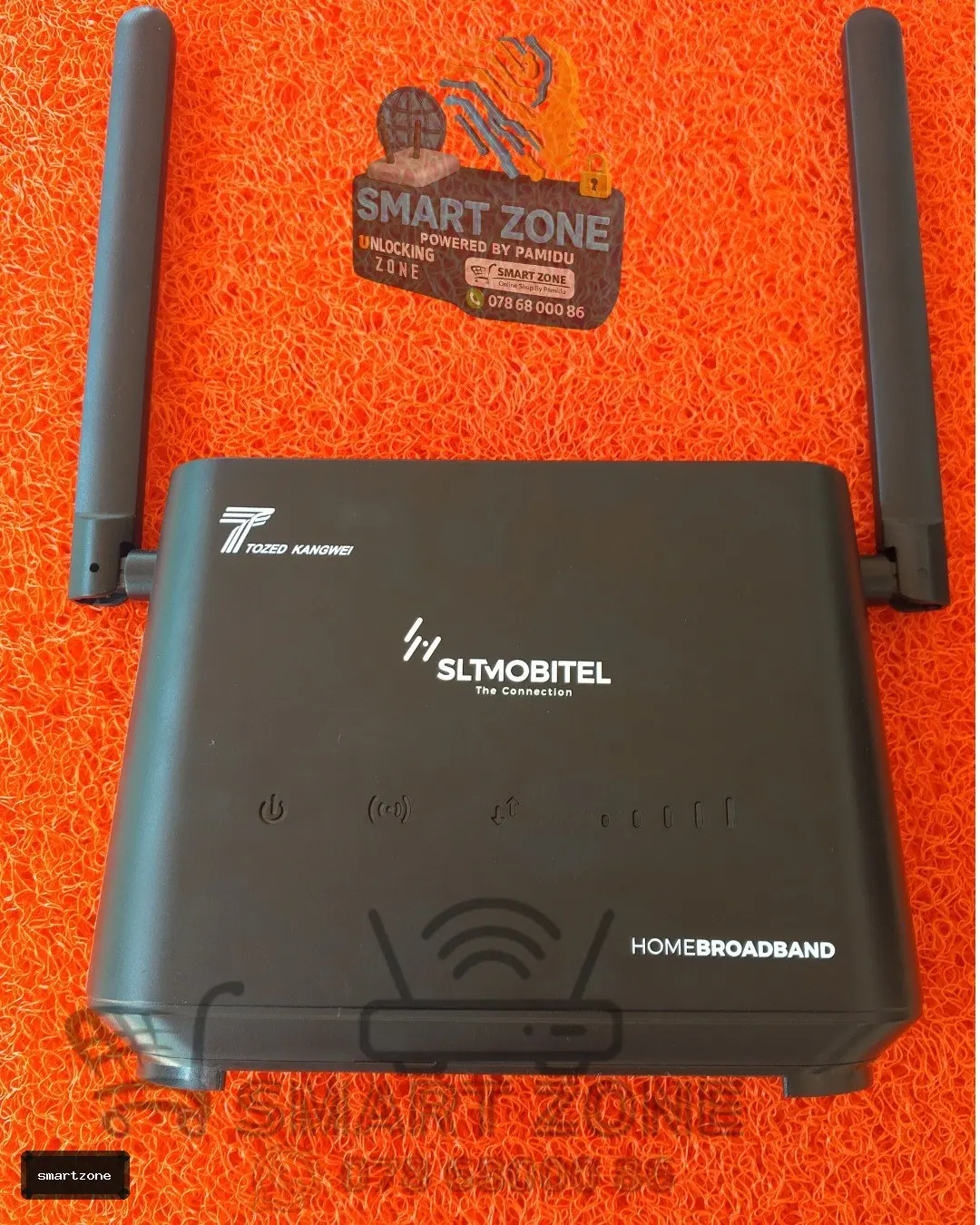
SLT MOBITEL/DALOG

ZLT M60 Router unlock servise Via Anydesk

100% Permanent Carrier Unlock All Sri Lankan SIMs (Dialog/Mobitel/Airtel/Hutch/SLT) Zero Delivery Fee β€’ AnyDesk Remote
⚑ Remote Service SLT S12Pro Router unlock servise Via Anydesk
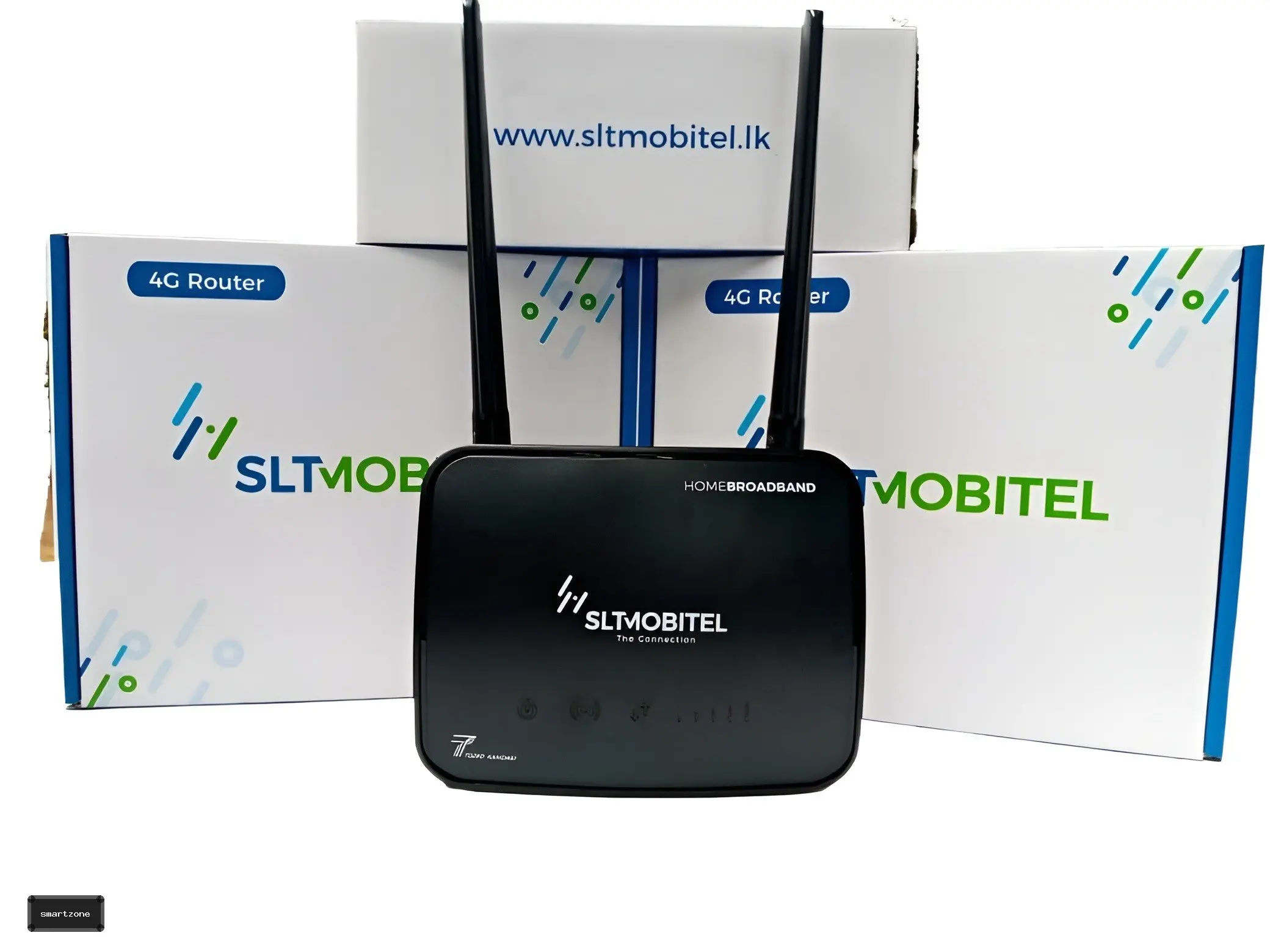
SLT MOBITEL

SLT S12Pro Router unlock servise Via Anydesk

100% Permanent Carrier Unlock All Sri Lankan SIMs (Dialog/Mobitel/Airtel/Hutch/SLT) Zero Delivery Fee β€’ AnyDesk Remote
⚑ Remote Service SLT S20 Router unlock servise Via Anydesk
SLT MOBITEL

SLT S20 Router unlock servise Via Anydesk

100% Permanent Carrier Unlock All Sri Lankan SIMs (Dialog/Mobitel/Airtel/Hutch/SLT) Zero Delivery Fee β€’ AnyDesk Remote
⚑ Remote Service Dialog S50 Router unlock service online [ Unlock via Anydesk ]
Dialog

Dialog S50 Router unlock service online [ Unlock via Anydesk ]

100% Permanent Carrier Unlock All Sri Lankan SIMs (Dialog/Mobitel/Airtel/Hutch/SLT) Zero Delivery Fee β€’ AnyDesk Remote
⚑ Remote Service MOBITEL S10 Router unlock servise battey model Via Anydesk
MOBITEL

MOBITEL S10 Router unlock servise battey model Via Anydesk

100% Permanent Carrier Unlock All Sri Lankan SIMs (Dialog/Mobitel/Airtel/Hutch/SLT) Zero Delivery Fee β€’ AnyDesk Remote
⚑ Remote Service 4 Versions SLT S10 ROUTER UNLOCK SERVISE ANY Version[ Remortly unlock via Anydesk]
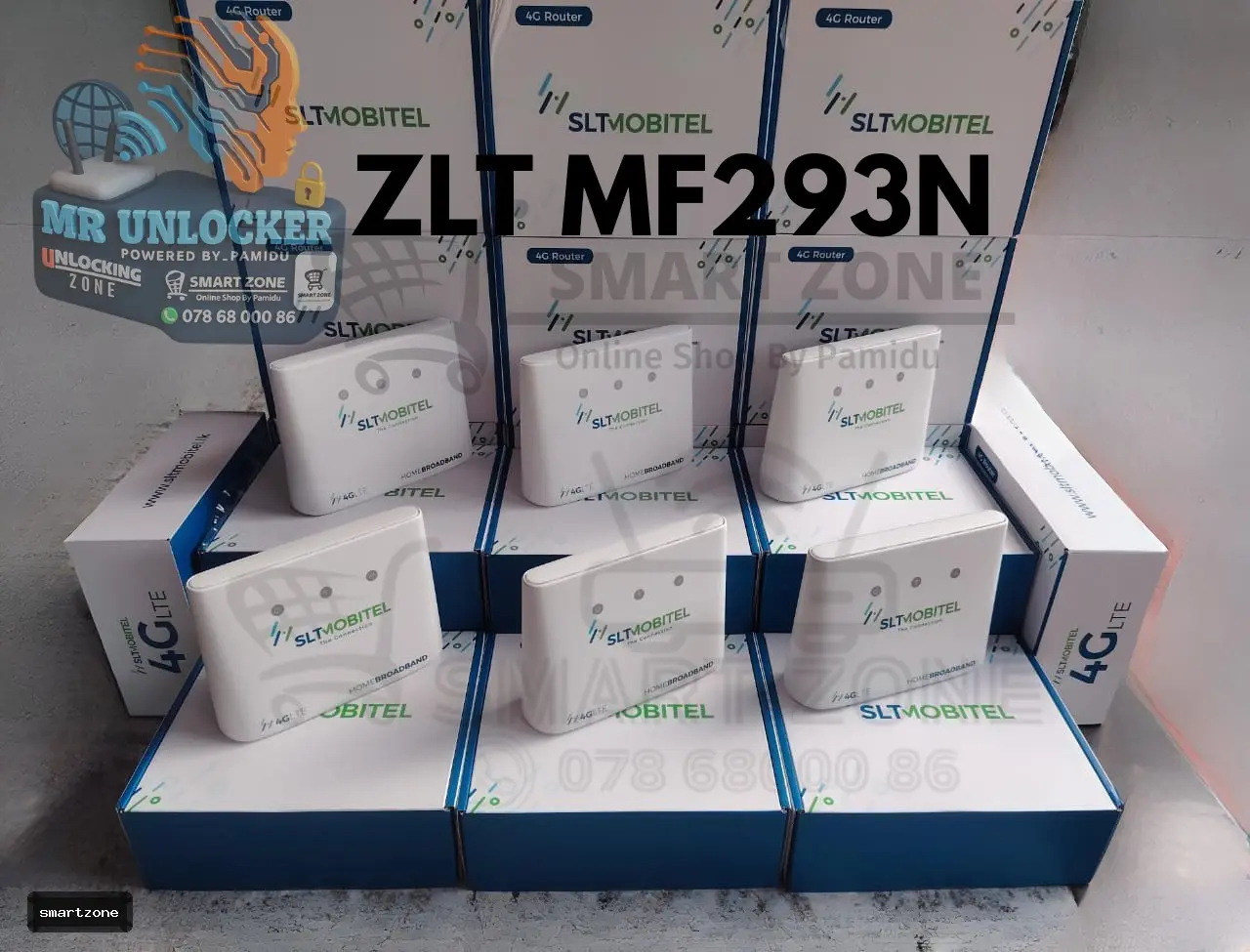
SLT MOBITEL

SLT S10 ROUTER UNLOCK SERVISE ANY Version[ Remortly unlock via Anydesk]

100% Permanent Carrier Unlock All Sri Lankan SIMs (Dialog/Mobitel/Airtel/Hutch/SLT) Zero Delivery Fee β€’ AnyDesk Remote
⚑ Remote Service MF293N Router unlock servise Via Anydesk Remort service
SLT MOBITEL

MF293N Router unlock servise Via Anydesk Remort service

100% Permanent Carrier Unlock All Sri Lankan SIMs (Dialog/Mobitel/Airtel/Hutch/SLT) Zero Delivery Fee β€’ AnyDesk Remote
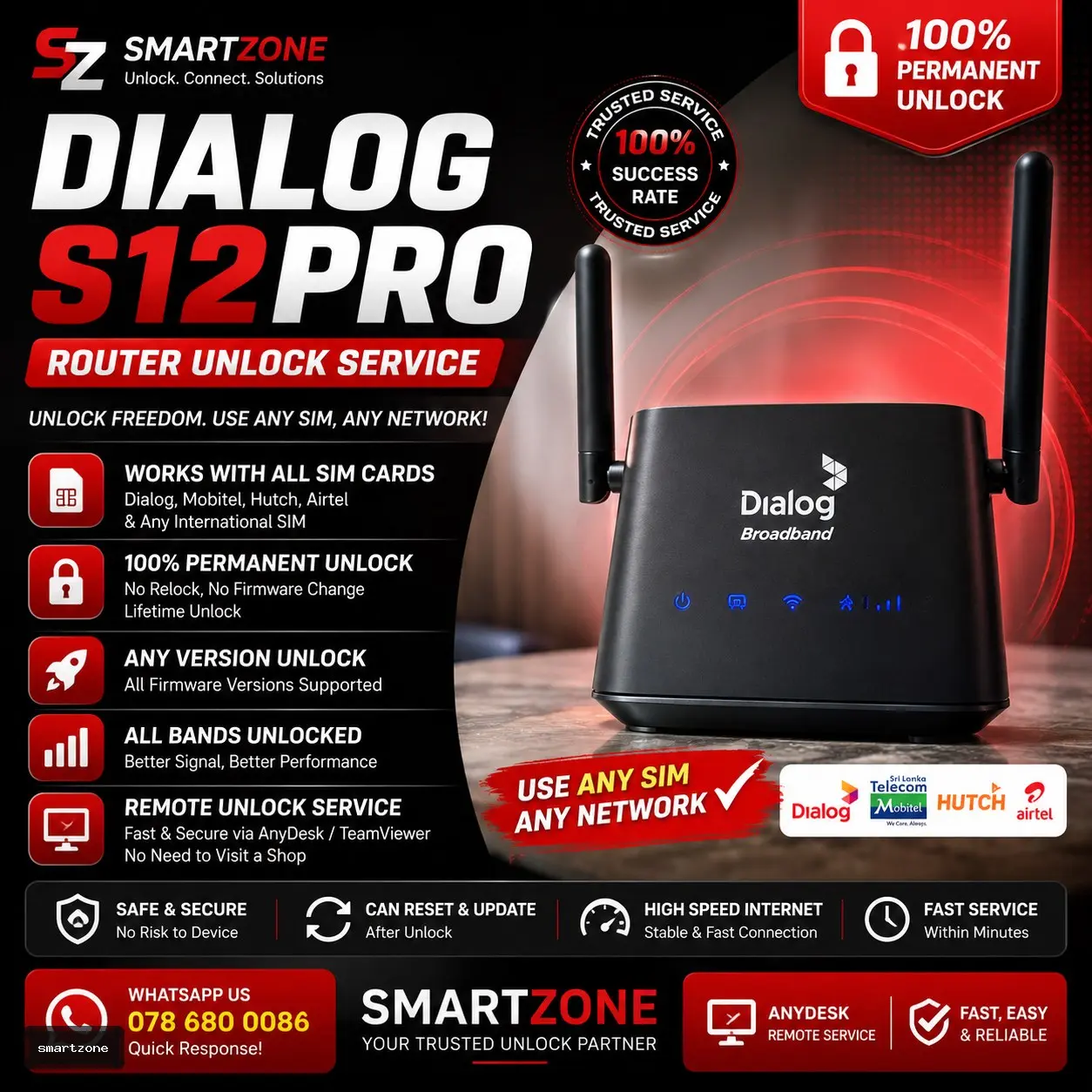
⚑ Remote Service 5 Versions Dialog S12Pro Router unlock service [ Remortly unlock via Anydesk]
Dialog

Dialog S12Pro Router unlock service [ Remortly unlock via Anydesk]

100% Permanent Carrier Unlock All Sri Lankan SIMs (Dialog/Mobitel/Airtel/Hutch/SLT) Zero Delivery Fee β€’ AnyDesk Remote
πŸ’‘ Easy 4-Step Process / ΰ·ƒΰΆ»ΰΆ½ ΰΆ΄ΰ·’ΰΆΊΰ·€ΰΆ» 4ΰΆšΰ·’ΰΆ±ΰ·Š

How Remote Router Unlocking Works

ΰΆ»ΰ·€ΰ·”ΰΆ§ΰΆ»ΰΆΊ ΰΆœΰ·™ΰΆ―ΰΆ» ΰ·ƒΰ·’ΰΆ§ΰΆΈ විࢱාࢩි 5-10ΰΆšΰ·’ΰΆ±ΰ·Š ΰΆ†ΰΆ»ΰΆšΰ·Šΰ·‚ΰ·’ΰΆ­ΰ·€ ΰ·ƒΰ·„ ΰΆ΄ΰ·„ΰ·ƒΰ·”ΰ·€ΰ·™ΰΆ±ΰ·ŠΰΆΈ Unlock ࢚ࢻ࢜ࢱ්ࢱා ΰΆ†ΰΆšΰ·ΰΆ»ΰΆΊ

1
Select Router / ΰΆ»ΰ·€ΰ·”ΰΆ§ΰΆ»ΰΆΊ ࢭෝࢻࢱ්ࢱ
Choose your router model (Dialog S50, Huawei, SLT, ZTE, Tozed etc.) and click Unlock Now.
ΰΆ”ΰΆΆΰΆœΰ·š Router ࢸාࢯිࢽිࢺ ࢭෝࢻා Unlock Now ΰΆ”ΰΆΆΰΆ±ΰ·ŠΰΆ±.
2
Connect to PC / Computer ΰΆ‘ΰΆšΰΆ§ ΰ·ƒΰΆΈΰ·ŠΰΆΆΰΆ±ΰ·ŠΰΆ° ࢚ࢻࢱ්ࢱ
Connect your router to a PC or Laptop using a LAN network cable and open free AnyDesk.
LAN ΰΆšΰ·šΰΆΆΰΆ½ΰΆΊΰΆšΰ·’ΰΆ±ΰ·Š ΰΆ΄ΰΆ»ΰ·’ΰΆœΰΆ«ΰΆšΰΆΊΰΆ§ ΰ·ƒΰΆΈΰ·ŠΰΆΆΰΆ±ΰ·ŠΰΆ° ࢚ࢻ AnyDesk ࢯࢸා࢜ࢱ්ࢱ.
3
5-Min Live Unlock / විࢱාࢩි 5ࢱ් ΰΆ…ΰΆ±ΰ·ŠΰΆ½ΰ·œΰΆšΰ·Š
Our certified technician connects via AnyDesk and flashes permanent firmware while you watch live!
ΰΆ…ΰΆ΄ΰΆœΰ·š ΰΆ­ΰ·ΰΆšΰ·Šΰ·‚ΰΆ« ΰ·ΰ·’ΰΆ½ΰ·ŠΰΆ΄ΰ·’ΰΆΊΰ· ΰΆ”ΰΆΆ ΰΆ‰ΰΆ―ΰ·’ΰΆ»ΰ·’ΰΆΊΰ·šΰΆΈ AnyDesk ΰΆΈΰΆŸΰ·’ΰΆ±ΰ·Š Unlock ΰΆšΰΆ»ΰΆΊΰ·’.
4
Use Any SIM / ΰΆ•ΰΆ±ΰ·‘ΰΆΈ SIM ΰΆ‘ΰΆšΰΆšΰ·Š ࢯࢸࢱ්ࢱ
Insert any Sri Lankan SIM (Dialog, Mobitel, Airtel, Hutch, SLT). 100% Lifetime permanent unlock!
ΰΆ•ΰΆ±ΰ·‘ΰΆΈ Network SIM ΰΆ‘ΰΆšΰΆšΰ·Š ࢯࢸා Unlimited Internet ΰΆ΄ΰ·ΰ·€ΰ·’ΰΆ ΰ·ŠΰΆ ΰ·’ ࢚ࢻࢱ්ࢱ!
πŸ’¬ Need help with your router model or firmware?
ΰΆ”ΰΆΆΰΆœΰ·š ΰΆ»ΰ·€ΰ·”ΰΆ§ΰΆ»ΰΆΊΰΆ§ ΰΆœΰ·ΰ·…ΰΆ΄ΰ·™ΰΆ± Unlock ΰΆšΰ·Šβ€ΰΆ»ΰΆΈΰΆΊ ࢜ැࢱ ΰΆ―ΰ·ΰΆ±ΰΆœΰ·ΰΆ±ΰ·“ΰΆΈΰΆ§ ΰΆ…ΰΆ΄ΰΆœΰ·š Technician ΰΆ…ΰΆΈΰΆ­ΰΆ±ΰ·ŠΰΆ±.
πŸ’¬ Chat with Technician on WhatsApp
πŸ’‘ Quick Guide / ΰΆ‹ΰΆ΄ΰΆ―ΰ·™ΰ·ƒΰ·Š

How to Check Your Router's Firmware Version

ΰΆ»ΰ·€ΰ·”ΰΆ§ΰΆ»ΰΆΊΰ·š Firmware / Software Version ΰΆ‘ΰΆš ࢢࢽා࢜ࢱ්ࢱේ ΰΆšΰ·™ΰ·ƒΰ·šΰΆ―?

1

Connect Router / ΰ·ƒΰΆΈΰ·ŠΰΆΆΰΆ±ΰ·ŠΰΆ° ࢚ࢻࢱ්ࢱ

πŸ‡±πŸ‡° ΰ·ƒΰ·’ΰΆ‚ΰ·„ΰΆ½: ΰΆΈΰ·”ΰΆ½ΰ·’ΰΆ±ΰ·ŠΰΆΈ Router ΰΆ‘ΰΆš ΰΆ”ΰΆΆΰΆœΰ·š Phone ΰΆ‘ΰΆšΰΆ§ හෝ PC ΰΆ‘ΰΆšΰΆ§ Wi-Fi හෝ LAN ࢚ේࢢࢽ් ΰΆΈΰΆŸΰ·’ΰΆ±ΰ·Š Connect ࢚ࢻ࢜ࢱ්ࢱ.

πŸ‡¬πŸ‡§ English: First, connect your router to your phone or PC via Wi-Fi or LAN cable.

2

Enter IP Address / IP ΰΆ‘ΰΆš ΰΆœΰ·ƒΰΆ±ΰ·ŠΰΆ±

πŸ‡±πŸ‡° ΰ·ƒΰ·’ΰΆ‚ΰ·„ΰΆ½: Web Browser (Chrome) ΰΆ‘ΰΆšΰΆšΰΆ§ ΰΆœΰ·œΰ·ƒΰ·Š Router ΰΆ΄ΰ·’ΰΆ§ΰ·”ΰΆ΄ΰ·ƒ ΰ·ƒΰ·ŠΰΆ§ΰ·’ΰΆšΰΆ»ΰΆΊΰ·š ΰΆ‡ΰΆ­ΰ·’ IP Address ΰΆ‘ΰΆš (ࢋࢯා: 192.168.8.1 හෝ 192.168.1.1) ΰΆœΰ·ƒΰ· Enter ࢚ࢻࢱ්ࢱ.

πŸ‡¬πŸ‡§ English: Open browser and type the router's IP address from back sticker (e.g. 192.168.8.1) and press Enter.

3

Find Version / Version ΰΆ‘ΰΆš ࢢࢽࢱ්ࢱ

πŸ‡±πŸ‡° ΰ·ƒΰ·’ΰΆ‚ΰ·„ΰΆ½: Router dashboard ΰΆ‘ΰΆšΰΆ§ log ΰ·€ΰ·– ΰΆ΄ΰ·ƒΰ·” Status / Device Info ࢺࢧࢭේ ΰΆ‡ΰΆ­ΰ·’ Firmware Version හෝ Software Version ࢢࢽා࢜ࢱ්ࢱ.

πŸ‡¬πŸ‡§ English: Inside the router dashboard, check under Device Info / Status for "Firmware Version" or "Software Version".

Your Cart (0)